Roblox Shaders, How to Install, Setup, and Improve Visuals
· based on the channel Elgomo
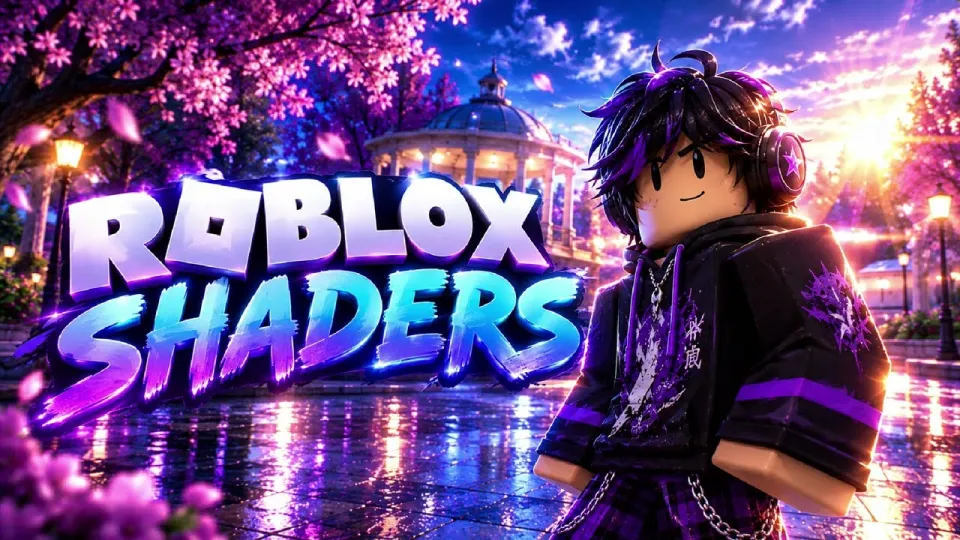
Roblox shaders are a popular way to significantly enhance the game's visual quality by adding advanced lighting, shadows, and other graphical effects. Installing and setting up shaders for Roblox allows players to experience a more realistic and visually appealing version of the game, improving immersion and aesthetics.
What Are Roblox Shaders?
Roblox shaders are graphical modifications that change how light interacts with the game's environment, adding effects like realistic shadows, reflections, ambient occlusion, and improved color grading. These shaders are typically applied using third-party tools such as ReShade or Bloxstrap shaders, which inject enhanced rendering techniques into Roblox's graphics pipeline.
How to Download and Install Roblox Shaders
To install Roblox shaders, follow these general steps:
- Download the Shader Files: Use trusted sources like the links provided by community creators (e.g., storage.to/Qmagt3Zl8) or shader packages such as RoShade or BloxShade.
- Install a Shader Injector: Most Roblox shaders require a tool like ReShade or Bloxstrap that allows the injection of shaders into the game.
- Configure the Shader: After installation, open Roblox and load your preferred shader preset or customize effects like bloom, shadows, and lighting.
- Test In-Game: Play Roblox to ensure shaders work correctly and adjust settings for optimal performance and visuals.
Recommended Shader Presets and Visual Settings
Shader presets offer ready-made combinations of effects optimized for different PCs and preferences. Popular presets include:
- RoShade: Focuses on realistic lighting and RTX-like reflections.
- BloxShade: Balances performance and visuals with vibrant colors.
- Custom Presets: Allow users to tweak shadows, bloom, color grading, and ambient occlusion.
Adjusting Roblox's in-game graphics settings alongside shaders can enhance the overall effect. Increasing resolution and enabling higher quality shadows will complement shaders well.
Performance Considerations When Using Roblox Shaders
Shaders add extra processing load, so performance depends on your hardware. Modern PCs and gaming laptops can run shaders smoothly if settings are balanced:
- Lower some shader effects if FPS drops occur.
- Use presets optimized for performance if your GPU is mid-range.
- Ensure your GPU drivers are updated for compatibility.
Comparing Roblox RTX and Shader Mods
Roblox RTX is an official lighting update that adds ray-traced reflections and shadows but requires compatible hardware and Roblox’s experimental features. Shader mods like RoShade provide similar effects on more systems without official RTX support, making them popular for enhanced visuals.
Final Result: Enhanced Roblox Graphics
Properly installed and configured Roblox shaders transform the game’s graphics, delivering realistic lighting, dynamic shadows, and richer colors. This improves player immersion and visual enjoyment without altering gameplay. The community-driven shader packs continue to evolve, offering new presets and optimizations.
Итог
Roblox shaders are an effective way to upgrade the visual quality of Roblox beyond its default graphics. By downloading trusted shader packs, using injectors like ReShade or Bloxstrap, and adjusting settings, players can enjoy realistic lighting and effects that greatly enhance the game’s appearance. The tutorial and insights provided by the Elgomo channel offer a clear, step-by-step approach to installing and configuring shaders for the best results.
For players seeking a fresh and immersive Roblox experience, shaders represent a powerful graphics enhancement tool.
Key takeaways
- Roblox shaders improve graphics by adding realistic lighting and effects.
- Installation requires downloading shader files and configuring with ReShade or Bloxstrap.
- Shader presets allow quick changes to visual styles and performance balance.
- Shaders can simulate RTX-like reflections and shadows in Roblox.
- Proper setup enhances immersion without major performance loss on most PCs.
Questions & answers
What are Roblox shaders and why should I use them?
Roblox shaders are graphical enhancements that add realistic lighting, shadows, and visual effects to improve the game's graphics. They make Roblox worlds look more immersive and visually appealing.
How do I install shaders on Roblox?
To install shaders, you need to download shader files and use a shader injector like ReShade or Bloxstrap. Then configure the shaders in-game using presets or custom settings to enhance graphics.
Will Roblox shaders affect my game performance?
Shaders can impact performance because they add extra graphical processing. However, using optimized presets and adjusting shader settings can balance visuals and performance to suit your PC.
Are Roblox shaders the same as Roblox RTX?
No, Roblox RTX is an official lighting update with ray tracing, requiring compatible hardware. Shaders like RoShade simulate similar effects through mods, working on a wider range of systems without RTX support.
Source: Roblox Shaders - How to Install, Setup and Make Roblox Look Better · Markdown version